
By Gavin Stevens · Updated November 2026
Colibri AI: can a laptop really run a 744B model with no GPU?
Colibri runs GLM-5.2, a 744B-parameter model, on a 25GB laptop by streaming it from the SSD. It works, at one token every 10 to 20 seconds. Measured speeds on real hardware, what makes it faster (SSD first, then RAM, then GPU), and the smaller models worth running on it instead.
As an Amazon Associate I earn from qualifying purchases. Product links on this page go to Amazon; they are affiliate links, and the price you pay is the same.
The picks
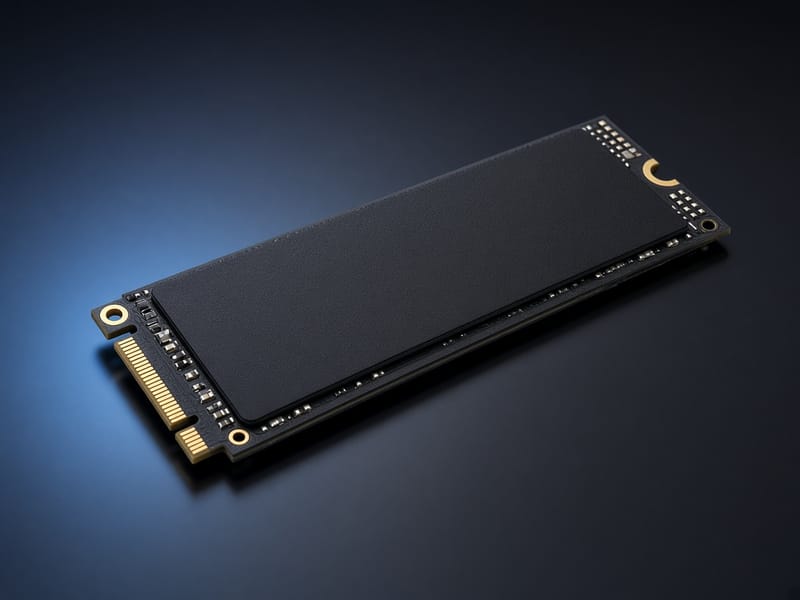 2TB
Samsung 990 PRO 2TB NVMe SSD (PCIe 4.0)
Colibri reads about 11GB off the drive for every token when its cache is cold, and GLM-5.2 is a 429GB download. A fast internal NVMe with room to spare is the first requirement, before RAM and before a GPU.
Load time is disk-bound. A fast NVMe turns a 30-second model load into a 5-second one.
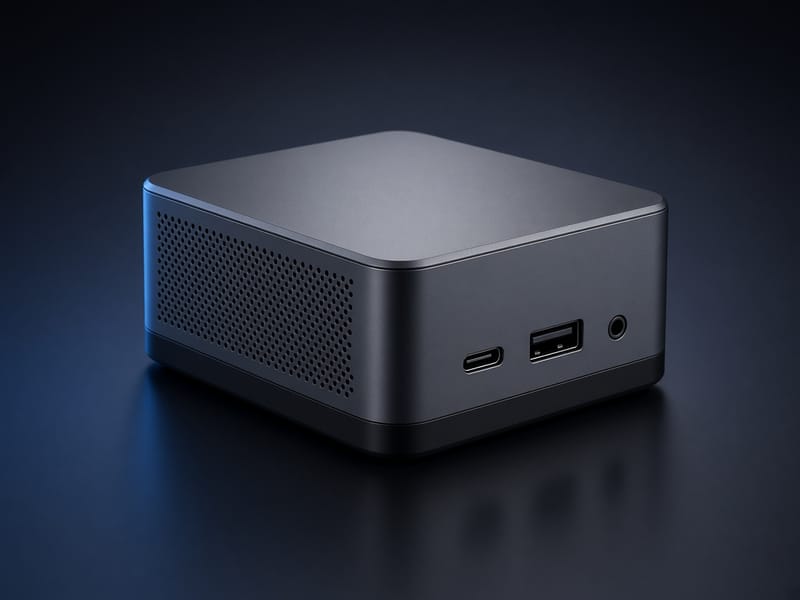 $1,000 to $3,000
GMKtec EVO-X2 (Ryzen AI Max+ 395, 128GB)
The same chip and memory (Ryzen AI Max+ 395, 128GB) measured 1.83 tokens a second on GLM-5.2 with no discrete GPU. 128GB keeps most of the busy experts in memory, which is what the speed depends on.
Up to 96GB can be assigned to the GPU on Windows, more on Linux. That loads 70B models on a machine that costs less than one 5090. 256GB/s of bandwidth means they run, not race.
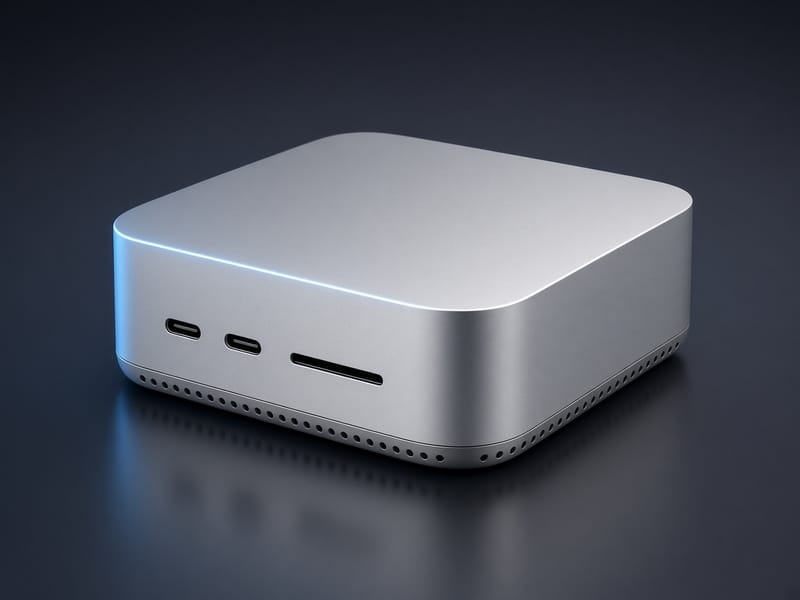 No ceiling
Mac Studio (M5 Max, 128GB unified memory)
An M5 Max with 128GB measured 1.8 to 2.2 tokens a second on GLM-5.2 with the Metal backend once tuned. Quiet, and it runs the 70B and 120B models you'll use daily far faster than that.
The smallest quiet box that runs 70B models at a speed you'd use every day. The 128GB Strix Halo boxes fit the same models at less than half the bandwidth.
The claim going around: a free engine called Colibri runs GLM-5.2, a 744-billion-parameter AI model, on a laptop with 25GB of RAM and no GPU. The claim is true. On that laptop it is also one token every 10 to 20 seconds, which works out to a short paragraph every half hour. Here is what Colibri does, what it measures on hardware you might own, and when it’s the right tool.
The short answer
- It runs. A 744B model loads and answers on a 25GB laptop.
- It is slow. 0.05 to 0.1 tokens a second on that laptop. A 128GB machine gets 1 to 2. Six RTX 5090s get about 6.
- The useful part is the smaller models. Colibri runs a 35B model at a readable 6 tokens a second on a plain CPU, and models in the 150B to 300B class at roughly 1 to 3 tokens a second on a 32GB to 64GB desktop.
- Don’t buy hardware for it. Try it on what you own. If you’re buying, buy for the models you’ll use every day and treat this as a bonus.
What is Colibri?
Colibri (the author writes it colibrì, Italian for hummingbird) is a free, open-source inference engine by Vincenzo Fornaro, an Italian developer. It is written in C, licensed Apache 2.0, and lives at github.com/JustVugg/colibri. The first commit landed on July 1, 2026, version 1.0 followed on July 19, and version 2.1.0 shipped on October 31. The repo passed 50,000 GitHub stars by mid-November.
It started as one engine for one model, GLM-5.2 from Z.ai. It now has thirteen engines: ten language-model families, one image generator and two small decision models. One setup script checks your machine, recommends a model that fits, downloads it, and starts a local chat page and an API on your own computer. Nothing leaves the machine.
How does a 744B model run in 25GB of RAM?
It doesn’t fit, and Colibri doesn’t pretend it does.
GLM-5.2 is a mixture-of-experts model. It has 744B parameters on disk, but it uses only about 40B of them for any one token, and only about 11GB of those change from one token to the next. The rest of the model sits idle most of the time.
Colibri splits the model by how often each part is needed:
- Always needed (attention, shared layers, embeddings): about 10GB at 4-bit. This stays in RAM.
- Sometimes needed (21,504 routed experts): these stay on the SSD. Colibri reads the handful each token asks for and keeps the popular ones cached in whatever RAM is left.
- If you have a GPU: it holds the busiest experts and the always-needed layers.
So the model is spread across three tiers: GPU, RAM, SSD. Less fast memory costs speed, not correctness. The project’s stated rule is that the engine never quietly swaps in a smaller or different model to go faster.
Compare that with Ollama or LM Studio, where a model that doesn’t fit your GPU spills into system RAM and slows down, and a model bigger than your RAM is not something you’d attempt.
How fast is Colibri? Measured speeds for GLM-5.2
These come from the project’s public benchmark log, where users post results from their own machines. All are GLM-5.2 at 4-bit, generation speed only.
| Machine | Memory | Tokens per second |
|---|---|---|
| 12-core laptop under WSL2, slow virtual disk (the original demo) | 25GB | 0.05 to 0.1 |
| Core i5-12600K desktop, Windows | 32GB | 0.08 |
| Mac mini M4 Pro | 48GB | 0.30 |
| Core i5-13600K with RTX 5070 Ti (16GB) | 62GB | 0.56 untuned, 0.98 tuned |
| Ryzen 7 9850X3D with RTX 5090 | 64GB | 0.89 |
| Core i9-14900K with RTX 3090 (24GB) | 128GB | 0.71 |
| Ryzen 9 9950X3D2 with RTX 5090, PCIe 5.0 SSD | 121GB | 1.23 |
| Ryzen AI Max+ 395 (Strix Halo), no discrete GPU | 128GB | 1.83 |
| DGX Spark (Dell Pro Max GB10) | 121GB | 0.5 to 2.4, depending on settings |
| M5 Max, Metal backend | 128GB | 1.8 to 2.2 |
| Six RTX 5090s, dual Xeon | 251GB | 5.8 to 6.8 |
What that means in minutes. A hundred tokens is about 75 words.
| Speed | 100 tokens (a short answer) | 700 tokens (about 500 words) |
|---|---|---|
| 0.1 tokens a second | 17 minutes | about 2 hours |
| 1 token a second | under 2 minutes | 12 minutes |
| 2 tokens a second | 50 seconds | 6 minutes |
| 6 tokens a second | 17 seconds | 2 minutes |
Two caveats. These are generation speeds, and the model has to read your prompt first, so a long document adds a wait before the first word. And most rows are one person’s run on one machine, so treat them as a range, not a promise.
What makes Colibri faster: SSD first, then RAM, then GPU
The order is not the one you’d guess from other local AI tools.
1. The SSD. On a small machine every token is a disk read. One tester with a Ryzen 9 9950X and 123GB of RAM got 0.10 tokens a second with the model on a budget QLC drive, and 0.28 after moving the same files to a PCIe 5.0 drive. Same machine, same model. Keep the model on a fast internal NVMe. On Windows with WSL, keep it on the Linux disk: the project warns that the Windows drive mounted inside WSL is many times slower.
2. RAM. More RAM means more experts stay cached and fewer disk reads. One server with 430GB of RAM and a slow disk still reached 1.00 token a second, because 98% of the experts it needed were already in memory. That is why the 128GB unified-memory boxes do well here. If you’re weighing those, see DGX Spark vs Mac Studio vs Strix Halo.
3. The GPU. It helps less than you’d expect. A graphics card holds 16GB to 32GB of a 429GB model. One RTX 5090 machine with 70GB of RAM measured 0.41 tokens a second and was still waiting on the disk. It takes six of them, holding every expert in memory, to reach 6.
4. Settings. Tuning is worth as much as hardware. The i5-13600K above went from 0.56 to 0.98 with tuned settings, and an M1 Max with 64GB went from 0.13 to 0.61 from settings alone. The built-in coli tune command measures your machine and saves its fastest safe settings.
What it costs you: disk, download and quality
Disk space. GLM-5.2 is a 429GB download. Budget about 440GB free, on the fast drive. The smaller chat models start around 20GB.
SSD wear. Not the worry it sounds like. Streaming is read-only, and reads don’t wear a drive. What does wear it is swap, when the machine runs out of RAM and starts writing to disk, so leave the memory budget where the setup puts it. Hours of constant reading will also heat a cheap drive. Check its temperature on long runs.
Quality. The model runs at 4-bit, and nobody has published a full head-to-head showing the 4-bit build matches the original GLM-5.2. The project’s own quality check is small (40 questions per task) and it says so. Its test on a small model put the cost of 4-bit at about 8 points, with the newer grouped format winning back roughly two thirds of that. Use the model file the setup script picks: older community copies in the previous format measured about 9 points worse and produced looping answers.
What to run on Colibri instead of GLM-5.2
For most people the 744B headline is the least useful thing in the box. These are the project’s own measurements.
| Model | Download | RAM (won’t start below / as measured) | Measured speed |
|---|---|---|---|
| Qwen3.6-35B-A3B (chat, tools) | 23GB | 10 / 20GB | 6 tokens a second on CPU, 10 on an integrated GPU, 30 on an 8GB RTX 3070 |
| Qwen3-Coder-30B-A3B (code) | 19GB | 8 / 18GB | 8.5 to 9.6 on CPU |
| DeepSeek V4 Flash (284B) | 167GB | 16 / 32GB | 0.93 with 32GB, 1.24 with 63GB, 1.5 to 1.6 with an RTX 5080 |
| MiMo-V2.6 Flash (309B, vision) | 172GB | 32 / 52GB | 2.3 to 3.4 on a 64GB desktop CPU |
| Qwen3.8-Flash-Next (vision, tools) | 186GB | 24 / 32GB | 1.9 to 2.6 on a 64GB desktop CPU |
| GLM-5.2 (744B) | 429GB | 16 / 24GB | 0.05 to 2, see the table above |
| Kimi K3 (2.8T, the largest) | 1.56TB | 32 / 64GB | about 9 seconds per token |
Run the setup with --list and it shows every model against your machine.
Colibri or Ollama: which should you use?
The model fits in your GPU or unified memory. Use Ollama or LM Studio. They’re simpler, the model catalog is bigger, and every other local AI app talks to them. Start here.
It’s a mixture-of-experts model bigger than your VRAM but smaller than your RAM. Worth testing Colibri. The project reports Qwen3.6-35B on an 8GB RTX 3070 at 73 to 78 tokens a second, against 38 for Ollama on the same file and card, because it puts the busiest experts on the GPU instead of whole layers. That is one project’s number on one card. It can import the file Ollama already downloaded, so checking it on your own machine costs you nothing but disk space.
The model is bigger than your RAM. This is what Colibri was built for. With GLM-5.2, expect 2 tokens a second at best on a single desktop, and plan the work around that: queue a job at night, read the answer in the morning.
How to install Colibri
You need 8GB of RAM at minimum (16GB or more is realistic), 22GB of free disk for the smallest model, and an internet connection for the download. A GPU is optional.
Windows: on the GitHub page, click Code, then Download ZIP. Unzip it and double-click START-HERE.bat.
Linux (Ubuntu or Debian):
sudo apt install git python3 build-essential
git clone https://github.com/JustVugg/colibri
cd colibri
./start-here.sh
Mac (with Homebrew):
xcode-select --install
brew install libomp git python
git clone https://github.com/JustVugg/colibri
cd colibri
./start-here.sh
The script checks your machine, recommends a model, downloads it (the download resumes if it drops) and opens a dashboard at http://127.0.0.1:8000/. Start with the model it recommends, not GLM-5.2. Other apps can connect to it as an OpenAI-compatible API at http://127.0.0.1:8000/v1.
Should you try it?
Yes if you’re curious, you have the disk space, and the job can wait: summarising private documents overnight, testing what a frontier-class open model says about your own prompts, or seeing which experts fire on the dashboard.
No if you want a conversation with the biggest model. That is still a cloud job, and Run AI locally or in the cloud covers how to split the work.
Don’t upgrade for it. The hardware that makes Colibri tolerable (128GB of memory, a fast NVMe) is the same hardware that runs 70B and 120B models at speeds you can work with. Buy for those. What can I run with X GB has the table.
Sources
- JustVugg/colibri on GitHub (README, model table, install steps, changelog)
- Colibri benchmark log (per-machine GLM-5.2 speeds, SSD note, quality benchmark)
- Colibri GGUF notes (Ollama file import and the RTX 3070 comparison)
- Wavect: Colibri GLM-5.2 on consumer hardware, the reality (independent read on quality evidence and disk planning)
- SCALR: Colibri runs a 744B model on a laptop (disk space figures)
- Codemotion: interview with Vincenzo Fornaro
Related guides
DGX Spark vs Mac Studio vs Strix Halo: the three 128GB desktop boxes
Three small, quiet desktops hold a 70B model in memory. Measured now: the Mac runs a dense 70B three times faster than the other two and a 120B mixture-of-experts about a third faster. The DGX Spark went to $6,950 in October. Which one for running models, which for building on them, and which to skip.
Build a local AI box: memory, storage, power, and the all-in-one alternative
The parts that make a local AI PC work after you've picked the graphics card, and the small boxes that skip the build entirely.
What can I run with X GB? Memory, model size and speed in one table
The question behind every hardware question. How much memory each model size needs, which models fit at 8, 12, 16, 24, 32, 64 and 128GB, and how to estimate tokens per second from bandwidth before you buy anything.