Checklist · 8-page checklist
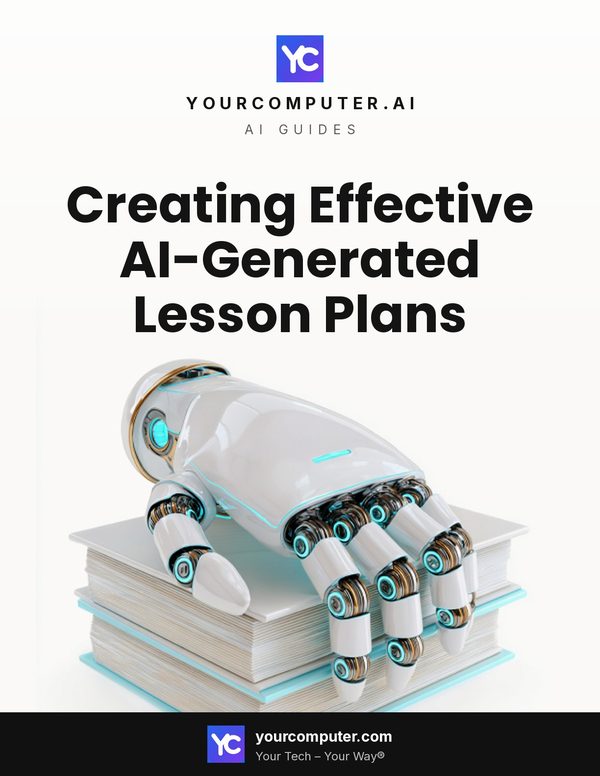
Creating Effective AI-Generated Lesson Plans
This checklist guides educators through the process of using AI tools to create high-quality, personalized lesson plans while maintaining professional judgment and control over the educational experience.
What you get
- PDF, 8 pages
- Editable Word (.docx) version
From the checklist
Identify your specific teaching challenge or pain point Before diving into AI tools, clearly define what aspect of lesson planning you need help with most—whether it’s differentiation, creating engaging activities, or developing assessments. This focus ensures you’ll get the most relevant results from AI.
Select appropriate AI lesson planning tools Choose tools like LessonPlans.ai, MagicSchool.ai, Diffit.com, or other education-specific AI platforms that align with your subject area and grade level. Education-focused tools typically produce better results than general AI.
Gather your curriculum standards and learning objectives Have your specific standards, learning objectives, and any curriculum requirements readily available. AI produces more accurate and aligned lessons when given precise guidelines and expectations.
Craft clear and specific AI prompts Write detailed prompts that include grade level, subject, topic, learning objectives, timeframe, and any special considerations. The quality of your prompt directly impacts the quality of the AI-generated lesson plan.
Published by YourComputer.AI, part of Your Computer. Questions: support@yourcomputer.com.